Timeline
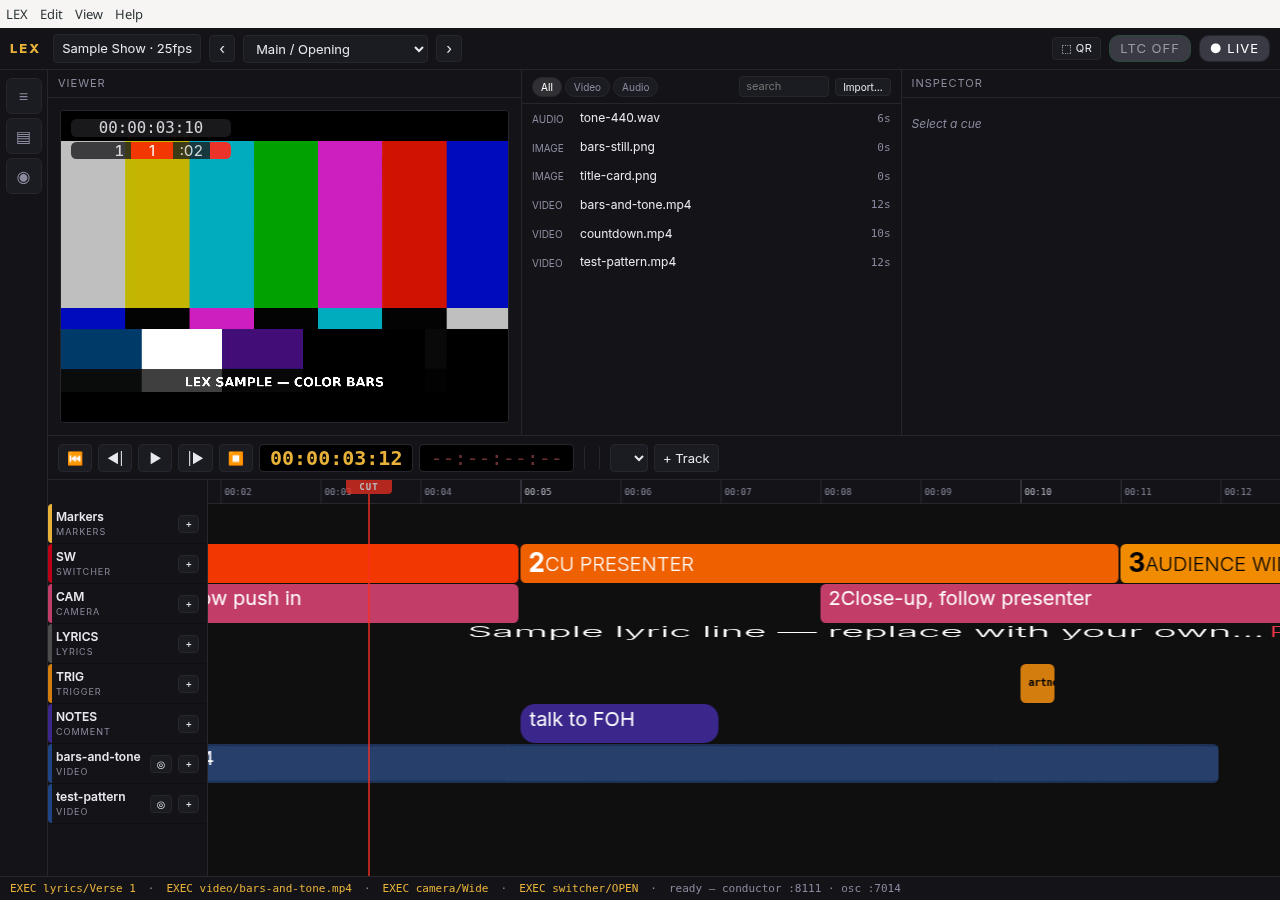
One timeline for the rundown.
Script notes, lyrics, camera ideas, and media on parallel tracks. One playhead you follow through the show.
LEX
Build the rundown on one timeline — notes, lyrics, camera ideas, and media. Follow it live. Share a browser viewer on the LAN so the crew stays with you — as many phones and laptops as you need.
Core free forever · Mac · Linux · Pro $19/mo or $149/yr
Features
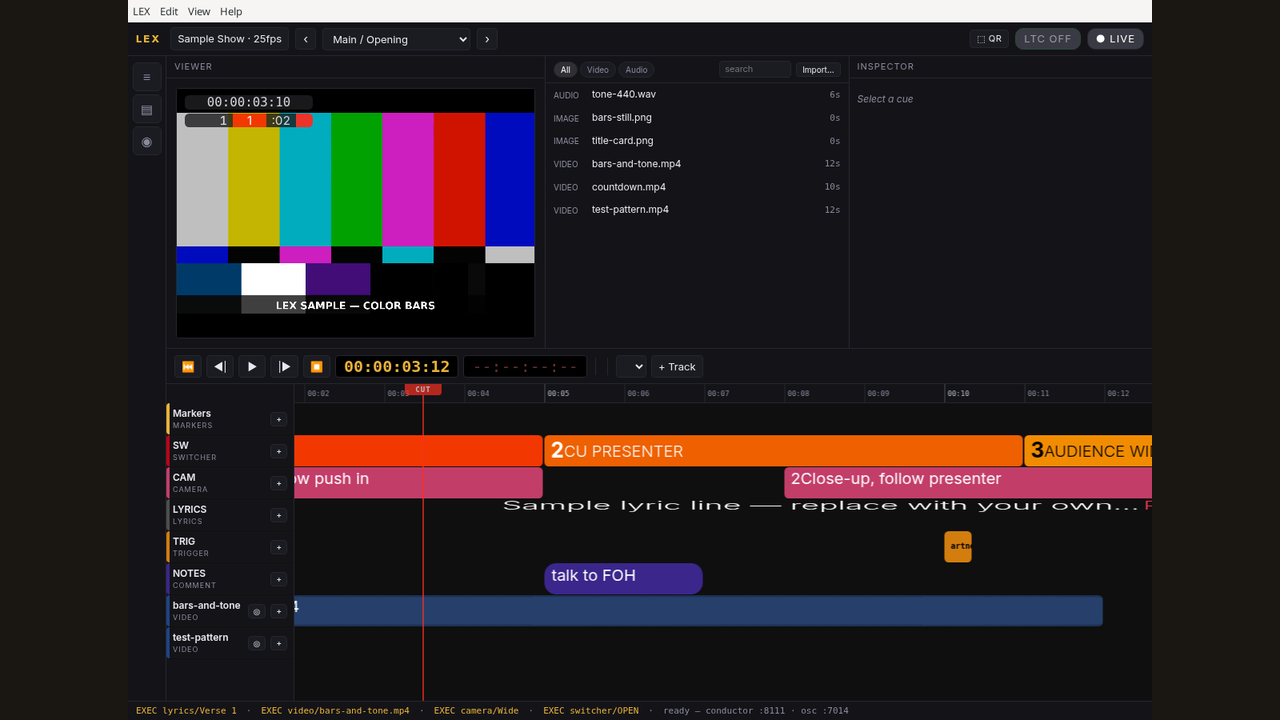
Timeline
Script notes, lyrics, camera ideas, and media on parallel tracks. One playhead you follow through the show.
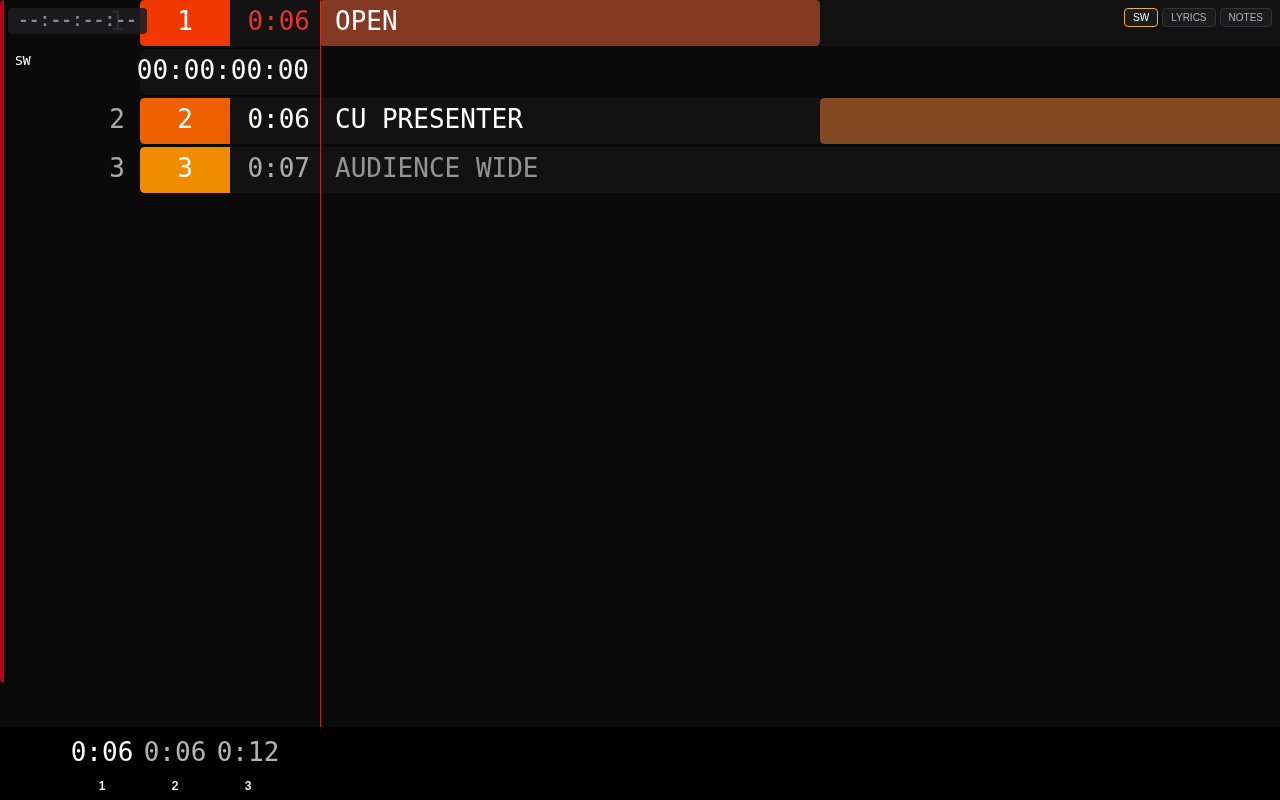
Crew viewer
Open the browser viewer on port :8112 at /viewer, or scan the QR. Any number of phones and laptops on the same LAN can follow — view-only; each person can pick their own track. LEX1 (Pro).
Timecode
LTC input for shows that lock to house clock. Optional — not required for every room.
Scenes
Build the opening, the set, and the close as scenes. Stack playlists when the night has more than one list.
Platform
Apple Silicon zip, or .deb / AppImage on Ubuntu 24.04+. Windows is not available yet.
Pricing
Core
Core LEX stays free forever for everyday use — timeline, notes, and media. No trial clock.
LEX1 · Pro
Unlocks web browser view, timecode input, more than 5 scenes, and more than 1 playlist. Cancel in the billing portal. License keeps working until period end. No refunds.
Payments are processed by Stripe. Manage or cancel in the billing portal (same portal for all products).
Install
Mac: Apple Silicon (arm64). Linux: Ubuntu 24.04 or newer (64-bit), as a .deb package or an AppImage. Windows is not available yet.
Apple Silicon (arm64) only. Intel Macs are not supported.
File: LEX-1.0.0-mac-arm64.zip
Developer ID signed and notarized. Unzip, move LEX.app to Applications, then open it.
LEX.app to Applications.LEX.app from Applications.ffmpeg and ffprobe are bundled — Homebrew is not required.
Licensing is the same as Linux: free Core, plus offline LEX1 license keys. There is no separate Mac purchase or checkout.
File: LEX-1.0.0-x86_64.AppImage
Terminal alternative:
cd ~/Downloads
chmod +x LEX-1.0.0-x86_64.AppImage
./LEX-1.0.0-x86_64.AppImagePackaged install.
File: lex_1.0.0_amd64.deb
cd ~/Downloads
sudo apt install ./lex_1.0.0_amd64.deb
Tip: No terminal? Right-click the .deb → Open With → Software Install, then press Install.
Install, license, and operation.
Download PDF (43 KB)